
Showing all 18 results
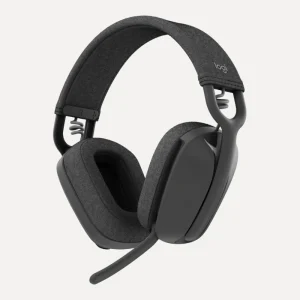
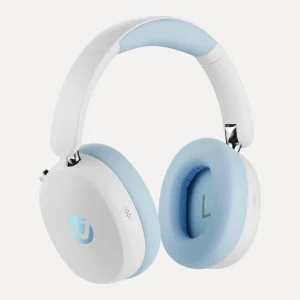
Logitech Zone Vibe 100 Wireless Headphones
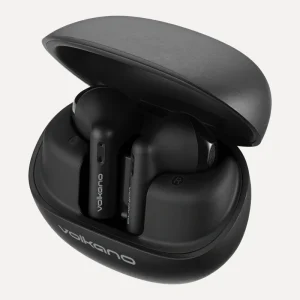
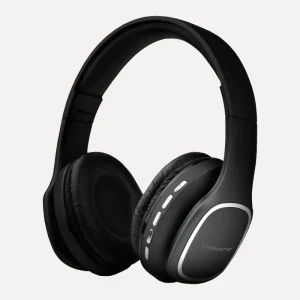
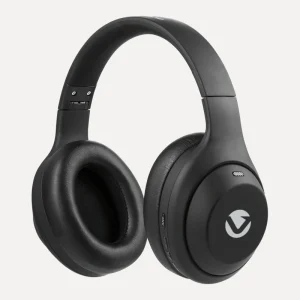
Price range: R2 000,00 through R2 091,00ClearGraphiteOff-WhiteRoseVolkano Phonic Series Bluetooth Over-Ear Headphones
Price range: R450,00 through R463,00ClearBlackBlueRose Gold
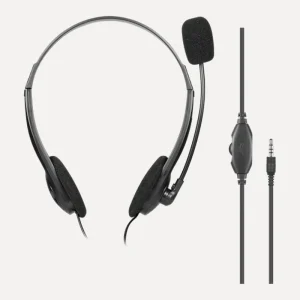
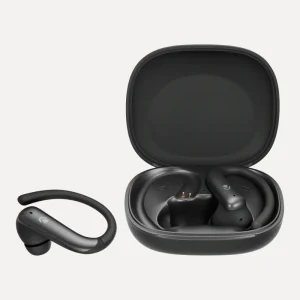
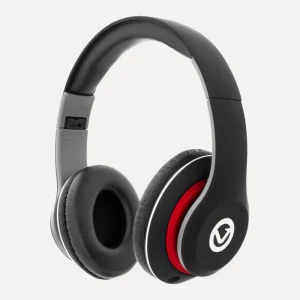
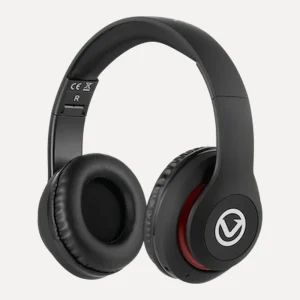
Hottest Deals
-
Product on sale
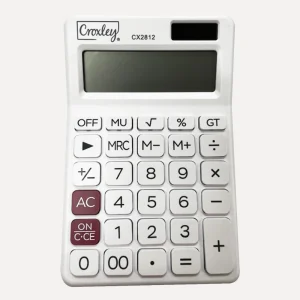
 Croxley Calculator CX2812 12 DigitOriginal price was: R125,00.R108,50Current price is: R108,50.
-
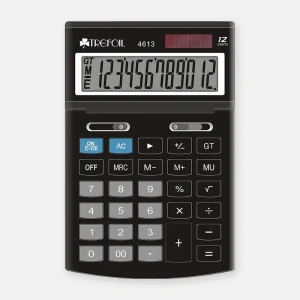
Product on saleTrefoil 12-Digit Desktop Calculator, LargePrice range: R138,00 through R149,00
-
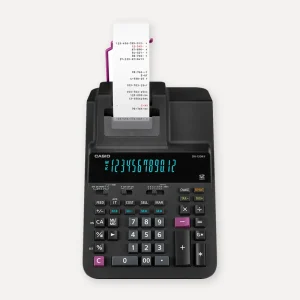
Product on saleCasio DR-120RII 12-Digit Heavy Duty Printing Calculator, 2-Colour PrintOriginal price was: R3 025,00.R2 677,00Current price is: R2 677,00.
-
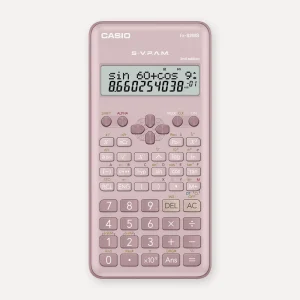
Product on saleCasio FX-82MS Scientific Calculator, PinkOriginal price was: R272,00.R228,00Current price is: R228,00.
Headset or headphones: what's the difference?
A headset is headphones with a microphone built in for talking. Most computer headsets put the mic on a boom arm that sits near your mouth, so it picks up your voice and not the keyboard or the TV in the next room. Headphones and earbuds with a built-in mic work well for phone calls on the go, but a boom mic still wins at a desk.
USB, USB-C or 3.5mm: choosing the right headset plug
This is where most people get caught out, so check your device's ports before you buy.
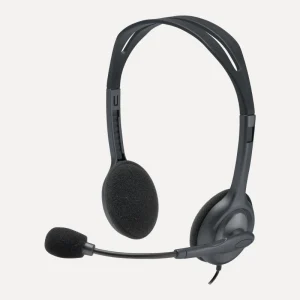
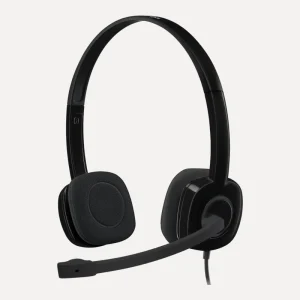
- 3.5mm jack. The Logitech H111 Stereo Headset with 3.5mm Jack, Logitech H151 and Volkano Chat 2 use a single 3.5mm plug that works with laptops, tablets and phones with a combo audio port. Older desktop PCs with separate pink (mic) and green (headphone) sockets need a splitter adapter for the mic to work.
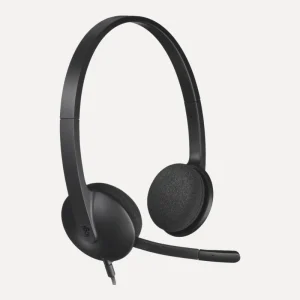
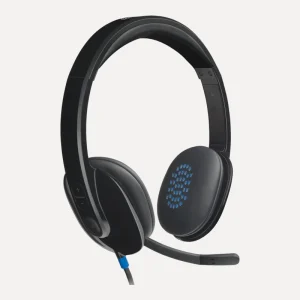
- USB headset. The Logitech H340, H390 and H540 plug into a USB-A port with no software to install, and give digital stereo sound on Windows, macOS and ChromeOS computers.
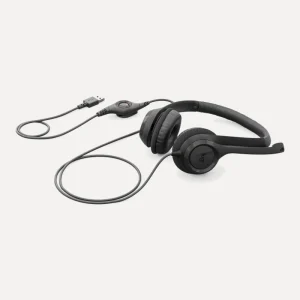
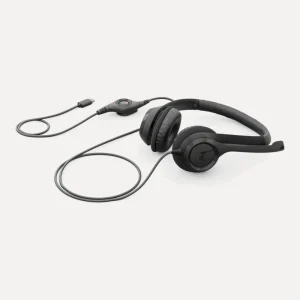
- USB-C. Newer laptops often have only USB-C ports. The Logitech H390 USB-C Computer Headset plugs straight in, or browse our hubs and adapters if you want to keep using a USB-A headset.
- Bluetooth. No cable at all, but it needs charging. Good for moving between a laptop and a phone.
The best headset with mic for online classes and school
For learners, simple is good: nothing to charge, nothing to pair, and a cable that survives being stuffed into a schoolbag. The Logitech H111 has a noise-cancelling boom mic that rotates to wear on either side, an adjustable headband and a 2.35m cable. The Logitech H151 adds in-line volume and mute controls, so the mute button is on the cable and not hidden in a menu during a class.
Computer headsets for work calls
If you spend hours on calls, step up to a USB computer headset. The Logitech H390 USB Computer Headset has 30mm drivers, a noise-cancelling boom mic that rotates and tucks away, in-line volume and mute controls, and a padded headband with leatherette ear cushions for long online meetings. The Logitech H540 USB Computer Headset puts volume and mute buttons on the ear cup, and a light shows when you are muted, which saves you from talking to nobody for five minutes.
Working hybrid? The Logitech Zone Vibe 100 Wireless Headphones are lightweight wireless over-ear headphones with a flip-to-mute boom mic. Bluetooth multipoint connects to two devices at once, a charge gives up to 20 hours of listening, and 5 minutes of charging adds about an hour.
Noise cancelling: ANC, ENC and noise-cancelling mics
These three get mixed up all the time, and they do different jobs.
- Noise-cancelling mic (Logitech headsets): reduces background noise picked up by the mic, so the people you're talking to hear you more clearly.
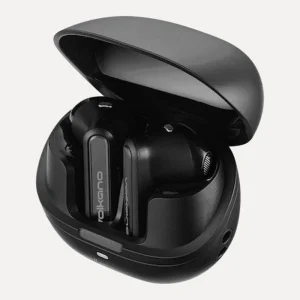
- ENC, environmental noise cancelling (such as the Volkano Buds X3 and QuietFit): works on calls, cleaning up your voice for the other side.
- ANC, active noise cancelling: reduces the noise you hear. The Volkano Lexi Pro uses hybrid ANC that cuts ambient noise by up to 30dB, the QuietFit and Enduro Series earbuds by up to 25dB, and the VolkanoX VXH200 by 18 to 22dB. Great for open-plan offices, taxis and flights.
Comfort for long days
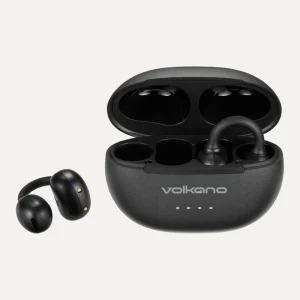
Look for an adjustable headband and padded ear cushions if you wear a headset for hours. Over-ear headphones sit around the ear and suit long sessions, earbuds are lighter for the gym or commute, and the Volkano Rise Series open-ear clip earphones leave your ear canal open so you can still hear traffic and announcements.
Battery life on wireless headphones
Battery claims from our product pages, so you can compare like with like: the VolkanoX VXH200 plays for up to 60 hours with ANC off (35 hours on), the Volkano Lexi Pro up to 50 hours with ANC off (35 hours on), the Volkano Phonic Series up to 45 hours, and the Volkano Buds X3 up to 30 hours in total with the charging case. Running ANC always uses more battery.
Need help choosing a headset?
Tell us which computer, laptop or phone you're using and we'll match the right plug. WhatsApp or call 075 276 1362, or email [email protected]. We deliver across South Africa, usually in 3 to 5 working days. Setting up a full workstation? See our keyboards and mice.
Questions we get asked
What is the best headset for online classes?
A wired headset with a boom mic is the easiest choice for learners: nothing to charge or pair. The Logitech H111 Stereo Headset with 3.5mm Jack has a noise-cancelling boom mic and works with most laptops, tablets and phones. The Logitech H151 adds in-line volume and mute controls.
Is a USB headset better than a 3.5mm headset?
A USB headset handles the sound digitally and is plug and play on Windows, macOS and ChromeOS, often with handy in-line controls. A 3.5mm headset works with a wider range of devices, including phones and tablets with a combo audio port. Choose the plug that matches the device you'll use most.
Will a 3.5mm headset work on my desktop PC?
If your PC has a single combo audio socket, yes. Many older desktops have separate pink (microphone) and green (headphone) sockets, and then you'll need a splitter adapter so both the sound and the mic work. Check the back or front of your PC before you buy.
What is the difference between ANC and ENC?
ANC (active noise cancelling) reduces the outside noise you hear, so you can focus or listen at lower volume. ENC (environmental noise cancelling) cleans up background noise from your microphone on calls, so the other person hears you clearly. Some earbuds, like the Volkano QuietFit, have both.
Can I use Bluetooth headphones with my laptop?
Yes, if your laptop has Bluetooth, which most do. Pair them in your laptop's Bluetooth settings. Headphones with multipoint, like the Logitech Zone Vibe 100, can stay connected to your laptop and phone at the same time, so you can take a call on either.
Do USB headsets need drivers?
The Logitech USB headsets we stock, including the H340, H390 and H540, are plug and play. You plug them into a USB-A port and Windows, macOS or ChromeOS recognises them without any software. For a USB-C only laptop, choose the Logitech H390 USB-C Computer Headset.