
Showing 1–24 of 49 results
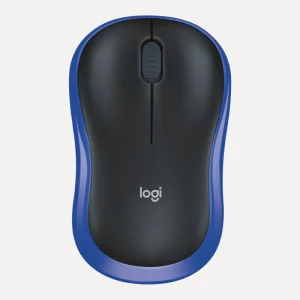
Logitech M171 Wireless Mouse
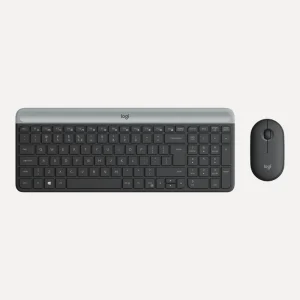
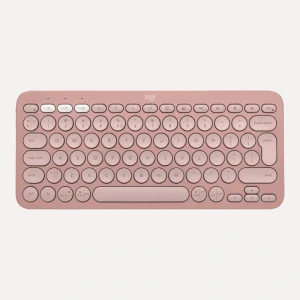
Price range: R180,00 through R237,00ClearBlackBlueRedBlue GreyOff-WhiteRoseLogitech MK470 Slim Wireless Keyboard and Mouse Combo
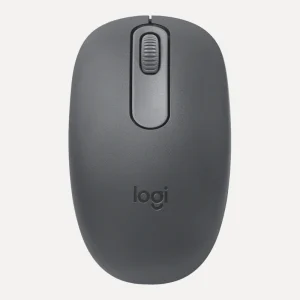
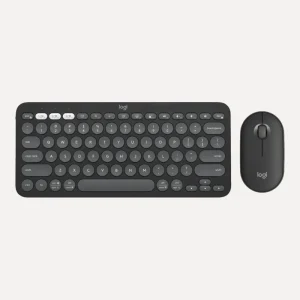
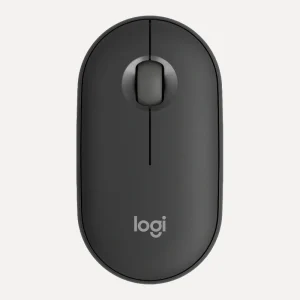
Price range: R1 194,00 through R1 331,00ClearGraphiteOff-WhiteLogitech Pebble Mouse 2 M350s Bluetooth Mouse
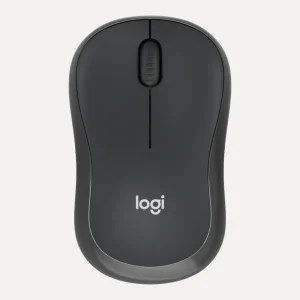
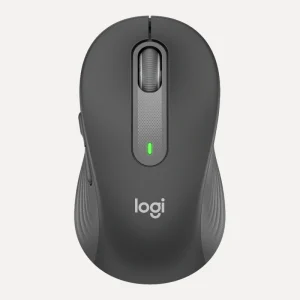
Price range: R447,00 through R453,00ClearTonal GraphiteTonal RoseTonal WhiteLogitech Signature M650 Wireless Mouse
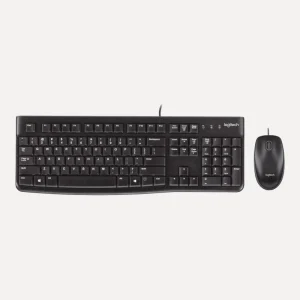
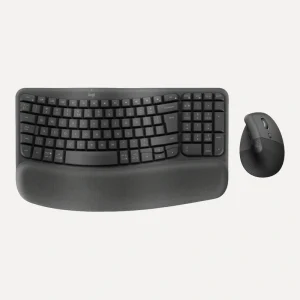
Price range: R596,00 through R641,00ClearGraphiteOff-WhiteRoseLogitech Wave Keys and Lift Ergonomic Wireless Combo – Graphite
Original price was: R2 495,00.R2 150,00Current price is: R2 150,00.
Hottest Deals
-
Product on sale
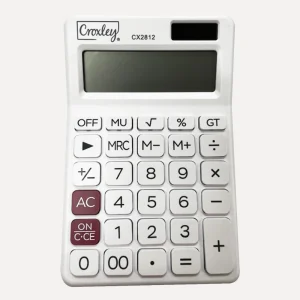
 Croxley Calculator CX2812 12 DigitOriginal price was: R125,00.R108,50Current price is: R108,50.
-
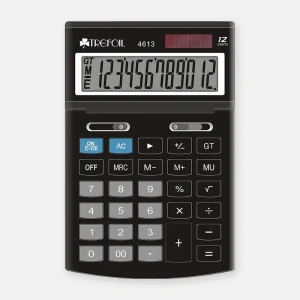
Product on saleTrefoil 12-Digit Desktop Calculator, LargePrice range: R138,00 through R149,00
-
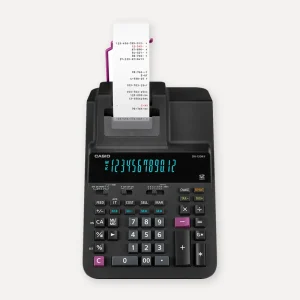
Product on saleCasio DR-120RII 12-Digit Heavy Duty Printing Calculator, 2-Colour PrintOriginal price was: R3 025,00.R2 677,00Current price is: R2 677,00.
-
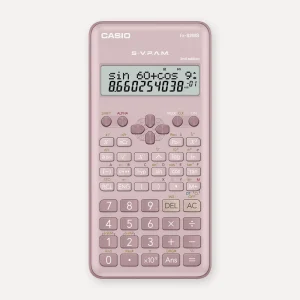
Product on saleCasio FX-82MS Scientific Calculator, PinkOriginal price was: R272,00.R228,00Current price is: R228,00.
How to choose a wireless mouse
Connection and power matter most when choosing a wireless mouse. After that, think about size, click noise and precision.
USB receiver or Bluetooth?
A 2.4GHz mouse comes with a tiny USB receiver. Plug it in and it works, with no pairing, which is why it suits school computers and shared desks. The Logitech M185 Wireless Mouse and the Volkano Focus Series reach up to 10 metres from their nano receivers. Bluetooth mice, like the Logitech M196 and Logitech M240 Silent Bluetooth Mouse, connect with no receiver at all, which frees up a port and suits tablets and slim laptops. Dual-mode mice such as the Logitech Signature M650 (Logi Bolt receiver or Bluetooth) and the Novaro Rechargeable Bluetooth and 2.4G mice give you both.
If your laptop only has USB-C ports, choose Bluetooth, or keep a receiver mouse working with one of our USB hubs and adapters.
Batteries or rechargeable?
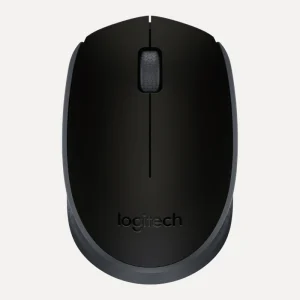
Battery mice are fit-and-forget: one AA battery runs the Logitech M171 and M185 for up to 12 months, the M240 for up to 18 months and the Signature M650 for up to 24 months. Rechargeable mice skip the battery hunt in the kitchen drawer. The Volkano Granite Series lasts over 30 days per charge over USB-C, and the Logitech MX Master 3S and MX Master 4 recharge by USB-C too.
Size and which hand
Compact mice like the M185 and Verbatim Go Nano are made for travel. Full-size mice fill the palm and are more comfortable for all-day use. The Signature M650 is sized for small to medium hands, and the MX Master range has a right-handed design. Left-handed? Choose an ambidextrous shape, like the Logitech M171, the Volkano Focus Series or the Novaro Rechargeable Bluetooth and 2.4G Wireless Mouse.
Silent clicks
For open-plan offices, libraries and late-night homework, silent clicks are worth having. The Logitech M240 Silent cuts click noise by up to 90% while keeping the normal click feel, and the Novaro rechargeable mice have silent main buttons.
DPI and precision
DPI is how far the cursor moves when you move the mouse. For office work and school, 800 to 1600 DPI is plenty, and many Novaro mice switch between 800, 1200 and 1600. Designers and big-screen users benefit from the 8,000 DPI sensors in the MX Master 3S and MX Master 4, which also track on glass.
Ergonomic mouse options
An ergonomic mouse changes the angle of your hand. A vertical mouse holds it in a handshake position instead of palm-down, which many people find eases strain on the wrist and forearm over long days. The Novaro 2.4G Rechargeable Ergonomic Vertical Wireless Mouse does this with a rechargeable 400mAh battery, silent clicks and forward and back buttons. For a matching set, the Logitech Wave Keys and Lift Ergonomic Wireless Combo pairs a wave-shaped keyboard and cushioned palm rest with the Lift vertical mouse, angled at 57 degrees for small to medium hands. Give any vertical mouse a few days to feel natural.
The Logitech mouse range
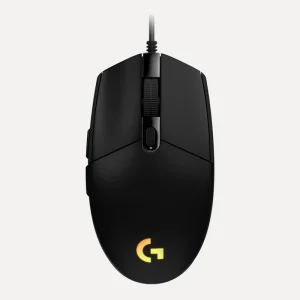
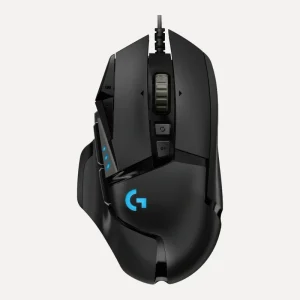
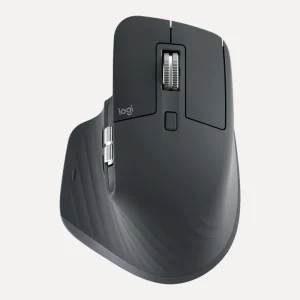
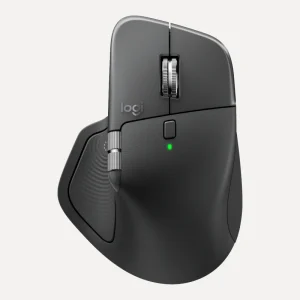
Logitech is a name most people know, and we carry a wide spread of its mice: the M171 and M185 for everyday use, the M196 and M240 Silent on Bluetooth, the slim Pebble Mouse 2 M350s that switches between three devices, the Signature M650, and the MX Master 3S and MX Master 4 performance mice with MagSpeed scroll wheels and thumb wheels. Gamers can look at the wired G102 LIGHTSYNC and G502 HERO.
Wireless keyboard and mouse combos
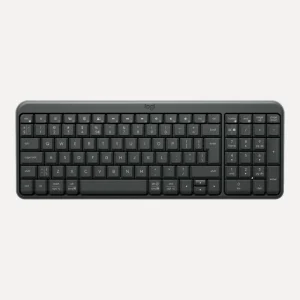
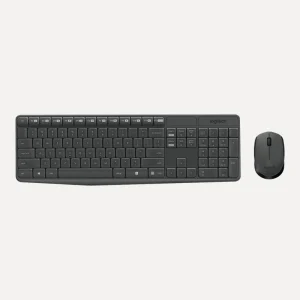
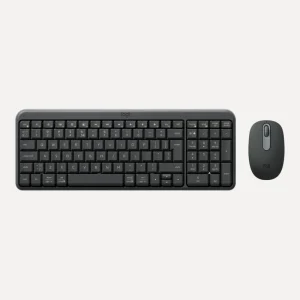
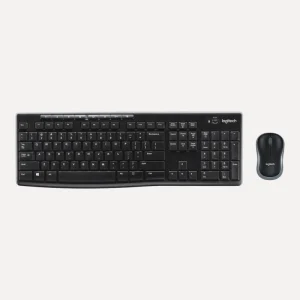
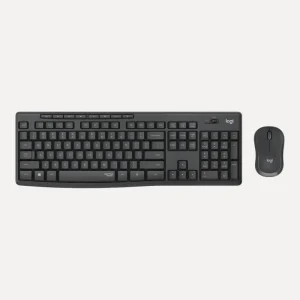
A combo runs both from one receiver and saves you matching two devices. The Logitech MK270 Wireless Keyboard and Mouse Combo has a full-size keyboard with a number pad and eight media hotkeys, with up to 36 months of keyboard battery life. The MK295 Silent removes over 90% of typing and click noise, the MK470 is slim with low-profile keys, the MK250 pairs over Bluetooth, and the Novaro and Volkano Krypton Series combos cover classroom and reception desks. Note that the Volkano Sapphire Series combo is listed for Windows.
Mouse pads
An optical mouse tracks best on a matt surface, so a mouse pad helps on glass, glossy or patterned desks. The Novaro Mouse Pad, 180 x 220mm has a smooth top and non-slip base, 3mm thick. For long hours, the Volkano Comfort Series Gel Mousepad adds cushioning, with a non-slip rubber base.
Is wired still worth it?
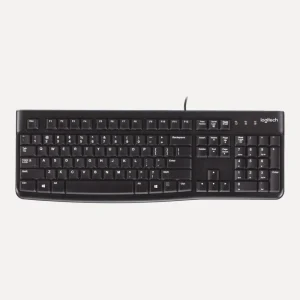
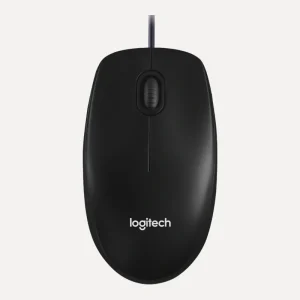
For school computer labs and spare desks, a wired mouse never needs charging and can't wander off with its receiver. The Novaro USB Optical Wired Mouse and Logitech M100 are plug and play, and the Verbatim Go Mini has a retractable 80cm cable for travel.
Ask us before you buy
WhatsApp or call 075 276 1362, or email [email protected], and tell us your computer or tablet. We deliver across South Africa, usually in 3 to 5 working days, and businesses can ask for a tax invoice for bulk office orders.
Questions we get asked
Is a Bluetooth or 2.4GHz wireless mouse better?
A 2.4GHz mouse uses a small USB receiver and works the moment you plug it in, which suits shared and school computers. Bluetooth needs no receiver, freeing a USB port, and suits tablets and USB-C laptops. Dual-mode mice like the Logitech Signature M650 Wireless Mouse do both.
Why is my wireless mouse lagging?
Start with fresh batteries or a full charge. Then move the receiver closer, ideally into a port on the front or side of the computer, away from other busy USB devices. Use a mouse pad on glass or glossy desks, and make sure nothing metal sits between the mouse and the receiver.
Can I use a wireless mouse with a tablet?
Yes, if the mouse has Bluetooth and your tablet supports a mouse, which iPads and most Android tablets do. The Logitech M196, M240 Silent and Pebble Mouse 2 M350s list iPadOS and Android support. Receiver-only mice need a USB port, so they suit laptops and PCs better.
What is the best ergonomic mouse?
The best ergonomic mouse is the one that suits your hand and how many hours you work. A vertical mouse, like the Novaro 2.4G Rechargeable Ergonomic Vertical Wireless Mouse, holds your hand in a handshake position. The Lift mouse in the Logitech Wave Keys and Lift combo suits small to medium hands.
Do you have a wireless mouse for left-handed users?
Yes. Ambidextrous mice work equally well in either hand. Good options include the Logitech M171 Wireless Mouse, the Volkano Focus Series 2.4GHz Wireless Mouse and the Novaro Rechargeable Bluetooth and 2.4G Wireless Mouse, which has a symmetrical shape and silent clicks.
How long do wireless mouse batteries last?
It depends on the mouse and how much you use it. One AA battery lasts up to 12 months in the Logitech M171 and M185, up to 18 months in the M240 Silent and up to 24 months in the Signature M650. Rechargeable mice like the Volkano Granite Series last over 30 days per charge.
Do I need a mouse pad?
Not always, but it helps. An optical mouse tracks most accurately on a matt surface, so a pad makes a big difference on glass, glossy or patterned desks. It also protects the desk. The Novaro Mouse Pad has a non-slip base, and the Volkano gel pad adds cushioning.