
Showing all 19 results
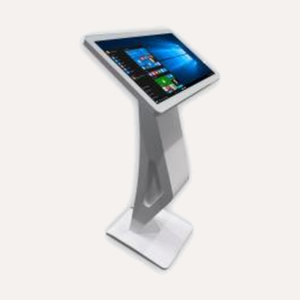
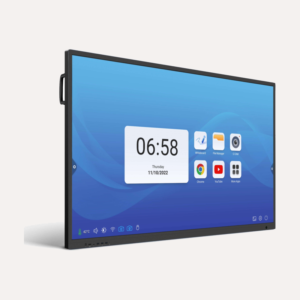
Parrot Capacitive Touch Table, White
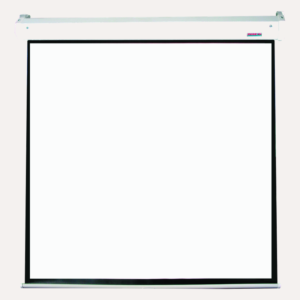
Price range: R36 022,00 through R63 985,00Clear21.5 Inch43 InchParrot Electric Projection Screen
Price range: R6 009,00 through R6 329,002440 x 1830mm2730 x 1580mm3050 x 2310mmClear16:94:3Parrot OPS PC Module
R16 504,00Parrot Pull-Down Projection Screen
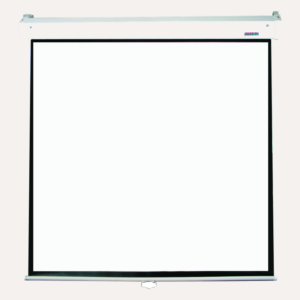
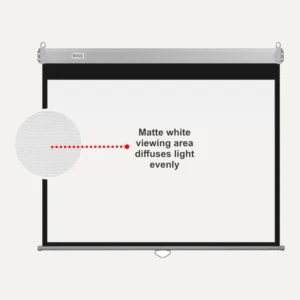
Price range: R3 844,00 through R7 479,002130 x 2130mm2440 x 1850mm2450 x 1420mm3050 x 2310mmClear1:116:94:3Parrot Pulldown Projector Screen, 2030 x 1520mm Viewing Area, 4:3
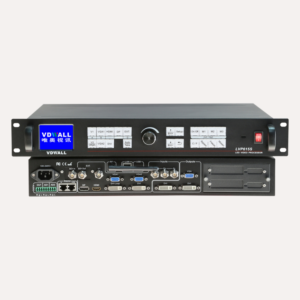
Original price was: R3 642,00.R3 359,00Current price is: R3 359,00.Parrot Video Processor for LED Screens
Original price was: R42 099,00.R37 549,00Current price is: R37 549,00.
Hottest Deals
-
Product on sale
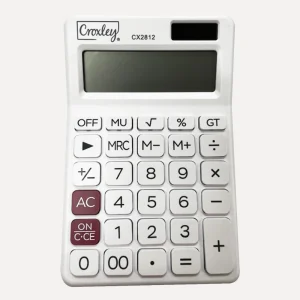
 Croxley Calculator CX2812 12 DigitOriginal price was: R125,00.R108,50Current price is: R108,50.
-
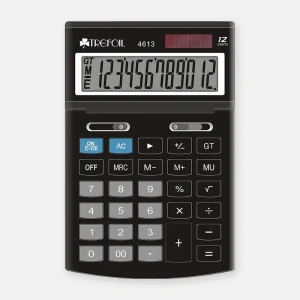
Product on saleTrefoil 12-Digit Desktop Calculator, LargePrice range: R138,00 through R149,00
-
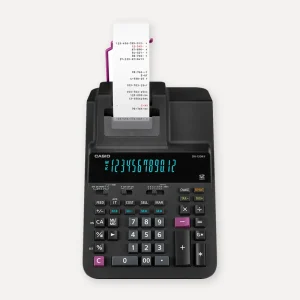
Product on saleCasio DR-120RII 12-Digit Heavy Duty Printing Calculator, 2-Colour PrintOriginal price was: R3 025,00.R2 677,00Current price is: R2 677,00.
-
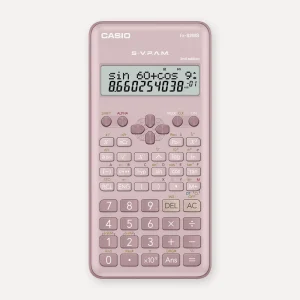
Product on saleCasio FX-82MS Scientific Calculator, PinkOriginal price was: R272,00.R228,00Current price is: R228,00.
Choosing projector screens: pull-down, electric or tripod
Decide how the screen will go up and down, check which shape your projector throws, and measure the room.
Pull-down projector screens
A pull down projector screen is the classroom classic. You pull it down when you need it, it locks in place, and it rolls back up out of the way so the whiteboard behind it stays usable. No plug, no remote to lose. The Parrot Pull-Down Projection Screen uses matt white fabric with a gain of 1 and a self-locking system, and comes in four sizes across 1:1, 16:9 and 4:3 formats. For a standard 4:3 classroom setup, the Parrot Pulldown Projector Screen, 2030 x 1520mm Viewing Area, 4:3 is a straightforward choice.
Electric projector screens
An electric screen rolls down and up on a motor, which suits ceiling mounting in boardrooms, school halls and auditoriums where nobody can reach the pull cord. The Parrot Electric Projection Screen has a quiet, precise motor and comes in 4:3 or 16:9 in a choice of sizes. Plan a plug point near where it will be mounted.
Tripod projector screens
A tripod projector screen stands on its own legs and packs away for travel, which makes sense for presenters moving between venues. For a room you use every week, a wall or ceiling mounted screen is steadier, stays flatter and can't be knocked over by a learner with a schoolbag. Tripod screens aren't part of our range, so our pull-down and electric screens are the ones to look at for fixed rooms.
4:3 vs 16:9: which aspect ratio do you need?
Aspect ratio is the shape of the picture, written as width to height.
- 4:3 is squarer: 4 units wide for every 3 high. It suits older data projectors and content like documents and worksheets.
- 16:9 is widescreen, the shape of HD video, streaming and most modern presentations and projectors.
- 1:1 is square. It shows either shape with some unused space, so it is a safe bet when the projector might change.
Match the screen to your projector's native aspect ratio, which you will find in its manual or specs. Put a 16:9 picture on a 4:3 screen and you get empty bands above and below. Put a 4:3 picture on a 16:9 screen and the bands move to the sides.
Projector screen sizes explained
Many shops list projector screen sizes as a diagonal in inches. Our Parrot screens are listed in millimetres, width by height, which is easier to check against your wall with a tape measure. To get the diagonal, square the width and height, add them, take the square root and divide by 25.4. For example, the 2030 x 1520mm viewing area of the 4:3 pulldown screen works out to roughly a 100 inch diagonal.
Two things to check before you order:
- Viewing area vs overall size. The black frame and backing sit around the picture. The 4:3 pulldown screen, for instance, measures 2110 x 1600mm overall with a 2030 x 1520mm viewing area.
- Your projector's throw. How far the projector sits from the screen sets how big the picture can be. Check its throw distance in the manual before choosing the size.
A useful rule of thumb for presentations is that the person furthest away should sit no more than about six times the picture height from the screen. Mount the screen high enough that the bottom of the picture clears the heads of seated people in front.
Screen gain and fabric
Gain measures how much light the screen reflects back. A matt white screen with a gain of 1, like our Parrot pull-down screens, spreads light evenly, so people seated at the sides of a classroom or boardroom see the same picture as the person in the middle. Parrot's black frame and black backing help the picture stand out and stop light shining through. The fabric stays wrinkle-free and is flame retardant and mildew resistant, which matters in a humid coastal school hall.
Portable monitors and interactive displays
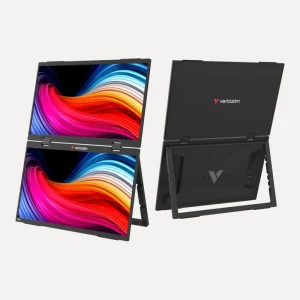
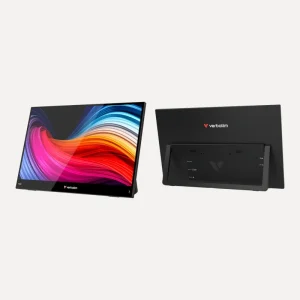
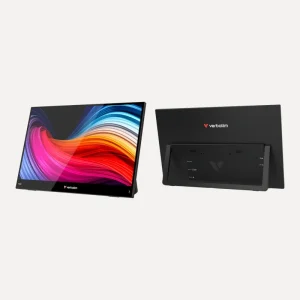
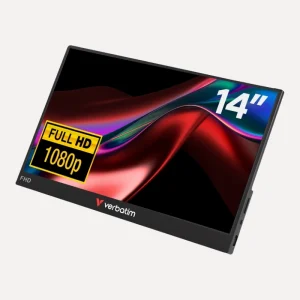
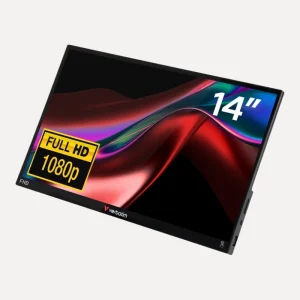
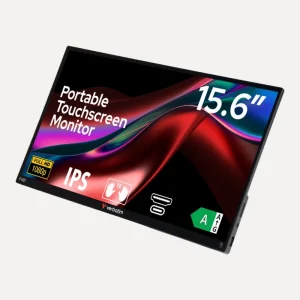
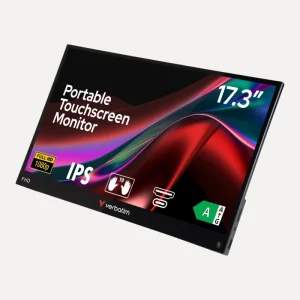
This range also covers screens that don't need a projector at all. Verbatim portable monitors give a laptop a second screen. The Verbatim PMT-15 15.6″ Full HD Portable Touchscreen Monitor, Aluminium connects with one USB-C cable for video, touch and power (your device's USB-C port needs DisplayPort Alt Mode), or by HDMI. For classrooms that want to touch and write on the board itself, the Parrot Interactive Touch QLED is a 4K UHD multi-touch display in 65, 75 and 86 inch sizes, running Android 13. Add speakers if your room needs more sound than a projector can give.
Need help sizing your screen?
Send us your wall or ceiling measurements and your projector model on WhatsApp or call 075 276 1362, or email [email protected], and we'll help you choose. We deliver across South Africa, and schools and businesses can ask for a tax invoice. Larger, specialised items like screens may take longer than our standard 3 to 5 working days.
Questions we get asked
What size projector screen do I need?
Measure the wall, then check your projector's throw distance, which decides how big the picture can be from where it sits. As a rule of thumb, the furthest viewer should be no more than about six times the picture height away. Our Parrot screens are listed in millimetres, so a tape measure tells you exactly what fits.
Is 4:3 or 16:9 better for a projector screen?
Match the screen to your projector. Most modern projectors, laptops and videos use 16:9 widescreen, while older data projectors use 4:3. Using the wrong shape leaves empty bands on the screen. If you're unsure which projector the room will use, a 1:1 square screen shows either shape.
What is the difference between a pull-down and an electric projector screen?
A pull-down screen is pulled down by hand and locks in place, with no power needed. An electric screen rolls up and down on a motor, which suits ceiling mounting in halls and boardrooms where the screen is out of reach. You'll need a plug point near an electric screen.
What does screen gain mean?
Gain is how much light a screen reflects compared with a standard matt white surface. A gain of 1, like our Parrot pull-down screens, reflects evenly in all directions, so viewers at the sides see a picture as good as those in the middle. That makes it a sensible choice for classrooms.
How do I convert projector screen size from mm to inches?
Square the width and the height, add them, take the square root to get the diagonal in millimetres, then divide by 25.4. For example, a 2030 x 1520mm viewing area has a diagonal of about 2536mm, which is roughly a 100 inch screen.
Can I use a wall instead of a projector screen?
You can, but a wall's texture and colour dull the picture and show every bump. A proper screen has a smooth, evenly reflective surface and a black border that frames the picture. Parrot screens also stay wrinkle-free and have a black backing that stops light shining through.